Why your phone can't find the battery
US2000, US3000, US5000 and UP5000 batteries have no Wi-Fi and no Bluetooth. They speak to the inverter over a cable (CAN or RS485) and offer a service port (CONSOLE) for a technician's laptop. A phone app has nothing to connect to unless something sits in between.
Option 1: the inverter app you already have
Your inverter reads the battery and its app shows the overall charge level and power, which is enough for many people. What you won't get is any detail: individual batteries, cell voltages, temperatures per unit, cycles, health or specific alarms.
Option 2: Pylontech Home with a datalogger
Pylontech's own app and cloud work with systems that have a compatible Wi-Fi datalogger, or with newer models that have Wi-Fi inside. If your system was installed with one, ask your installer for the login details. If not, the app has nothing to show.
Option 3: a Wi-Fi box on the CONSOLE port
A box like the Pylon-Monitor V3 plugs into the CONSOLE socket of the master battery and into a USB charger. It joins your home Wi-Fi and gives you:
- a web dashboard you open on your phone (add it to your home screen and it behaves like an app);
- free cloud access from anywhere, with history and e-mail alerts, no subscription;
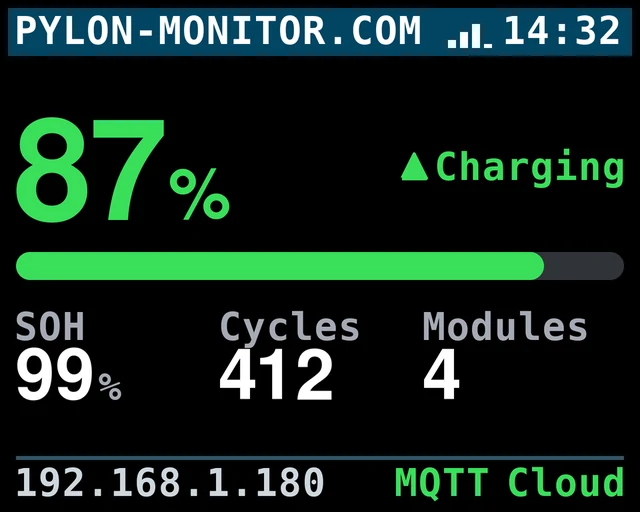
- a colour screen on the box itself;
- Home Assistant entities via MQTT auto-discovery, plus a JSON API.
Which one should you pick?
- Happy with a single percentage? Your inverter app.
- Installed with a Pylontech datalogger? Pylontech Home.
- Want every battery and every cell on your phone, with no datalogger? A CONSOLE Wi-Fi box.
- Just want to check once? The free online viewer on a laptop.